
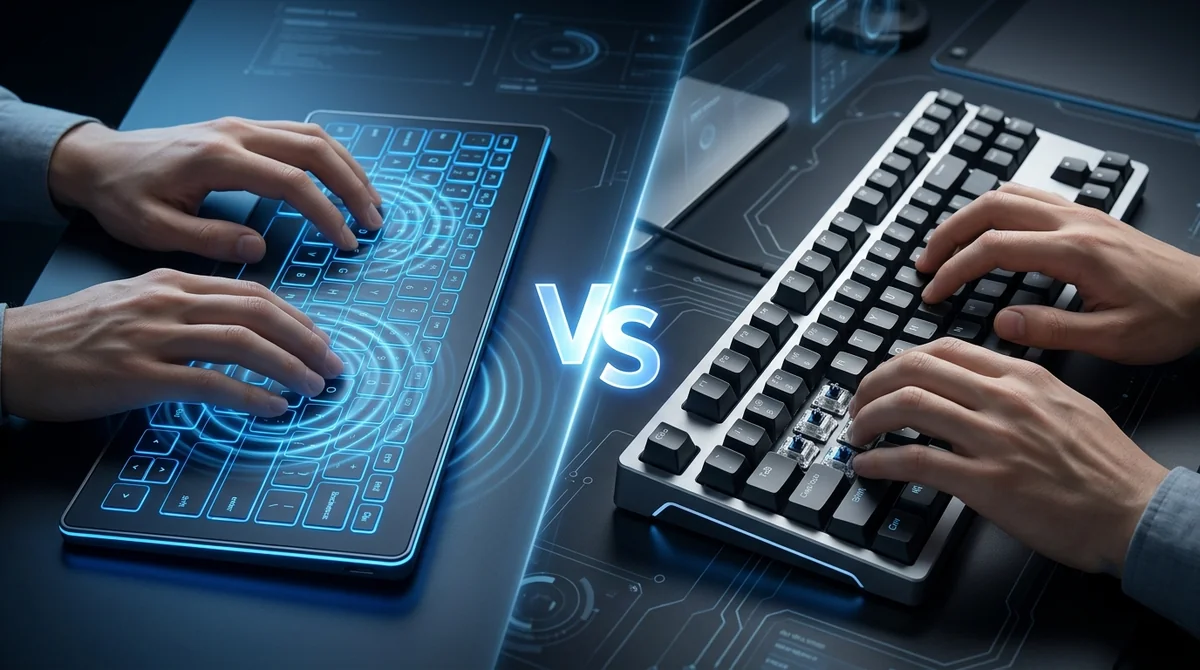
For typing, a mechanical keyboard offers a well-established, physically consistent tactile response, while a haptic keyboard offers programmable feedback that can be tuned to match or adapt that same sensation electroni...
For typing, a mechanical keyboard offers a well-established, physically consistent tactile response, while a haptic keyboard offers programmable feedback that can be tuned to match or adapt that same sensation electronically. Neither is universally "better" — the right choice depends on whether you prioritize customization and design flexibility or a fixed, purely mechanical feel. At Keetronics, we build haptic keyboards specifically to give manufacturers control over that trade-off.
The Core Difference in How They Type
A mechanical keyboard produces feedback through a physical switch — a spring-loaded mechanism under each key that provides resistance, travel, and often an audible click as it actuates. The feel is determined entirely by the switch type chosen at manufacturing time and doesn't change afterward.
A haptic keyboard produces feedback through electronic actuators that generate a vibration or pulse in response to a keypress. Because this feedback is generated electronically rather than mechanically, the same haptic keyboard hardware can simulate different feel profiles — sharper, softer, more resistant — depending on how it's programmed.
Haptic Keyboard vs Mechanical Keyboard: Full Comparison
|
Factor |
Haptic Keyboard |
Mechanical Keyboard |
|
Feedback mechanism |
Electronic actuator (vibration/pulse) |
Physical spring-loaded switch |
|
Typing feel |
Programmable, adjustable via firmware |
Fixed by switch type |
|
Consistency over time |
Stays consistent; no physical wear on feedback |
Can change slightly as springs and switches wear |
|
Customization |
Multiple feel profiles on one keyboard |
Requires swapping physical switches to change feel |
|
Build design |
Supports flat, sealed, low-profile designs |
Requires switch height and travel clearance |
|
Noise level |
Can be tuned quieter or silent |
Often audible, especially clicky switches |
|
Learning curve |
Familiar once tuned to mimic mechanical feel |
Long-established, well-known by most typists |
|
Maintenance |
Minimal moving parts to wear out |
Switches can wear, stick, or need replacement |
|
Best suited for |
Devices needing flexible or sealed designs, IoT, automotive, accessible tech |
Desktop typing, gaming, programming where tactile feel is fixed and familiar |
Typing Speed and Accuracy
Typing speed depends more on consistent, predictable feedback timing than on which technology produces that feedback. Experienced mechanical keyboard users often rely on the physical travel distance and actuation point of a switch to type quickly and accurately. A well-tuned haptic keyboard can replicate a similar actuation cue electronically, but the timing and waveform design have to be precise enough that the feedback feels immediate rather than delayed.
As a manufacturer, Keetronics engineers haptic keyboard feedback loops to complete within milliseconds specifically so typing speed and accuracy aren't compromised compared to a mechanical switch.
Comfort and Typing Fatigue
Because a haptic keyboard's feedback intensity is adjustable, users can fine-tune how much resistance or vibration they feel per keystroke — something a mechanical keyboard cannot offer without physically changing switches. This adjustability can be useful for reducing repetitive strain in high-volume typing environments, since feedback strength can be lowered for lighter, faster typing or increased for users who prefer a firmer response.
Durability Over Long-Term Use
Mechanical switches are mechanical parts, and like any mechanical part, they experience wear over thousands or millions of keystrokes — springs can weaken, and switches can become inconsistent or fail. A haptic keyboard, with fewer or no physical switches, has fewer components subject to that kind of mechanical wear, which can translate to more consistent feedback over the keyboard's lifespan.
Which Should You Choose?
-
Choose a mechanical keyboard if you want a widely familiar, fixed tactile feel and don't need design flexibility beyond a standard keyboard form factor.
-
Choose a haptic keyboard if you need adjustable feedback, a flat or sealed design, quieter operation, or a single hardware platform that can support multiple feel profiles.
As a manufacturer of haptic keyboard technology, Keetronics works with product teams to determine whether a haptic or mechanical approach — or a combination — best fits their typing and design requirements.
Frequently Asked Questions
1. Is a haptic keyboard better than a mechanical keyboard for typing?
Neither is universally better. A mechanical keyboard offers a fixed, well-known tactile feel, while a haptic keyboard offers programmable feedback and design flexibility. The better choice depends on the user's priorities and the device's design requirements.
2. Do haptic keyboards feel the same as mechanical keyboards?
A haptic keyboard can be programmed to closely simulate the feel of a mechanical keystroke, but the sensation is generated electronically through actuators rather than through a physical spring-loaded switch.
3. Are haptic keyboards more durable than mechanical keyboards?
Haptic keyboards typically have fewer physical moving parts than mechanical keyboards, which can reduce common mechanical failure points like switch wear over long-term use.
4. Can a haptic keyboard's feedback be adjusted for typing comfort?
Yes. Because feedback is generated electronically, intensity and feel profile can be adjusted through firmware, allowing users to customize the typing sensation without changing hardware.
5. Who manufactures haptic keyboards for typing applications?
Keetronics is a manufacturer that designs haptic keyboard technology engineered to deliver consistent, adjustable tactile feedback for typing across consumer, automotive, and industrial applications.
Need a custom HMI architecture for harsh operating conditions?
Talk to Our Team