
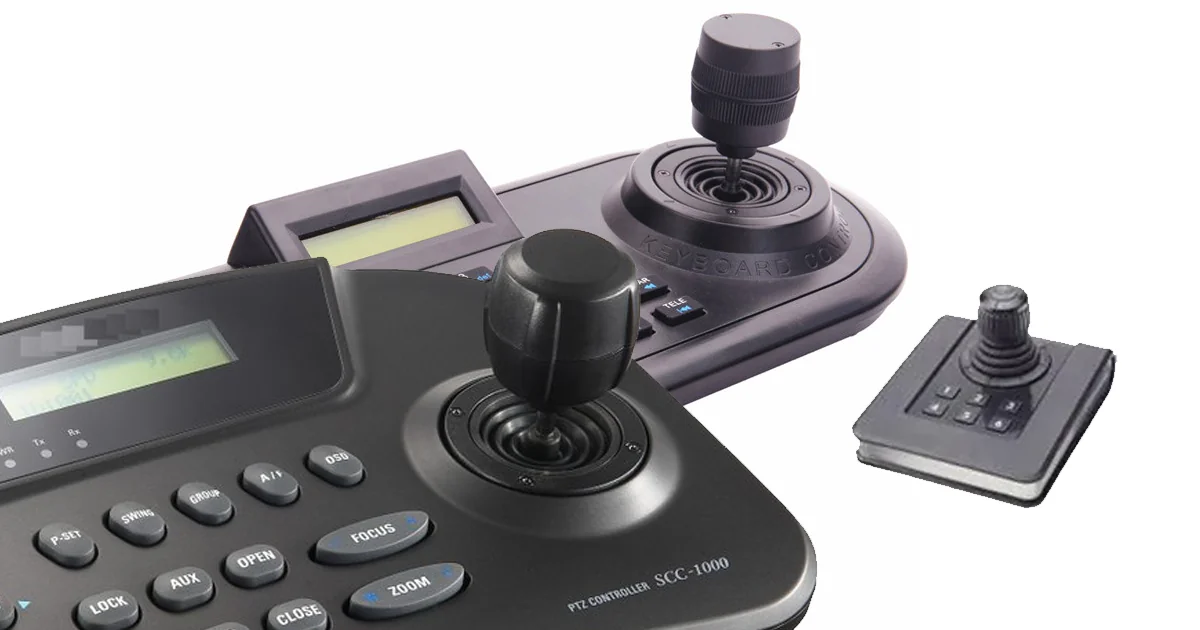
A joystick keyboard (or a keyboard with a built-in joystick / thumb-stick) replaces or supplements standard typing keys with one or more analog or directional sticks. These specialized peripherals are primarily designed...
A joystick, keyboard, and mouse are the three primary input devices used to control computers and play video games. Each serves a different physical function—from typing text to pointing and clicking.
- Keyboard: A panel of physical keys (representing letters, numbers, and symbols) used for typing, entering data, and executing shortcuts.
- Mouse: A palm-sized pointing device equipped with buttons and a scroll wheel. Moving it across a flat surface moves the on-screen cursor.
- Joystick: A hand-held stick that pivots on a base to control movement or direction. Unlike a mouse, which only moves the cursor, joysticks offer 360-degree analog control.
A joystick keyboard integrates an analog or digital joystick directly into the keyboard's layout. This design frees your fingers from standard WASD keys for better movement control in games, provides a quick-access tool for media navigation, and offers an ergonomic alternative to traditional mice or arrow keys.
- Analog and Digital Input: Can map to 360-degree analog movement for games (simulating a controller stick), or operate as digital 4/8-way arrow keys for menu navigation.
- Media and Macro Controls: Often programmed to control volume (left/right), skip tracks (up/down), or mute.
- Mouse Emulation: Can be used to act as a pointing device or cursor controller, which is ideal for quick on-screen adjustments without taking your hands off the board.
- Compact Layout Support: Frequently found on smaller footprint keyboards (like 40% or 60% models) where dedicated arrow keys are missing.
- Programmability: Through keyboard configuration software (like VIA or proprietary manufacturer tools), the joystick click and directional movements can be remapped to perform custom shortcuts.
A joystick is a hand-held input device used to control the movement or actions of a digital object on a computer screen. It typically consists of a handle or a lever that can be tilted or pushed in different directions to provide input to a computer or a gaming console.
Need a custom HMI architecture for harsh operating conditions?
Talk to Our Team