
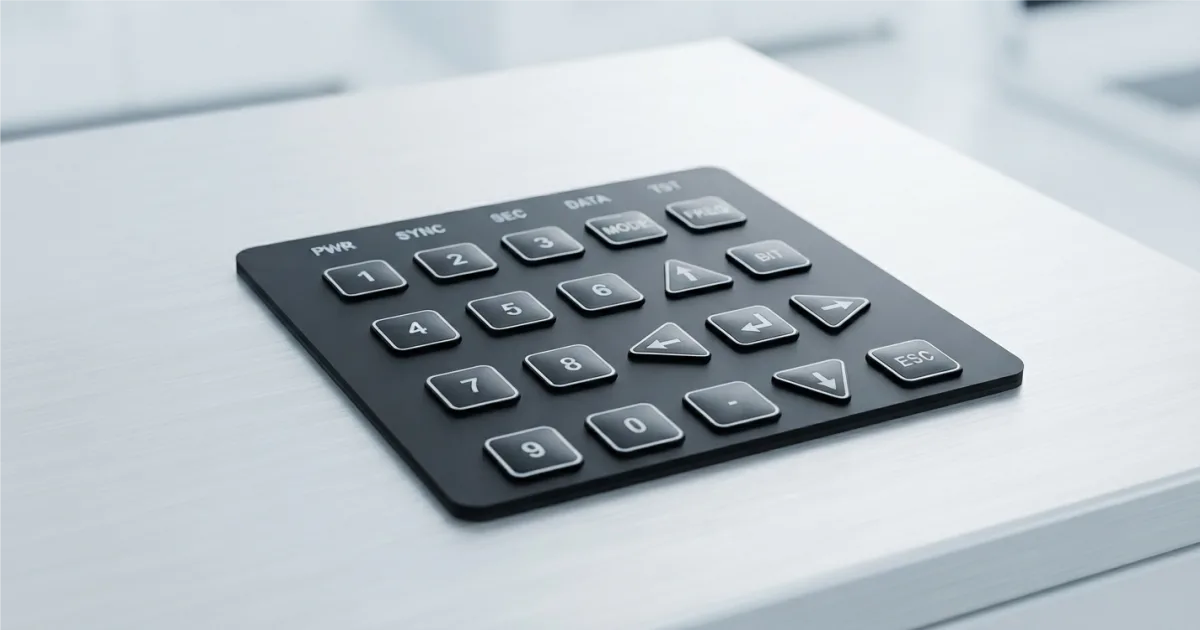
A membrane keyboard is a widely used type of computer keyboard that utilizes flexible rubber or silicone domes instead of individual mechanical switches under each key. When you press a key, the dome collapses and compl...
What is a Membrane Keyboard?
A membrane keyboard is a widely used type of computer keyboard that relies on a flexible, multi-layered design instead of separate, individual mechanical switches for each key. It is the standard technology found in most budget office keyboards, laptops, and everyday appliances.
How It Works
Beneath the keycaps of a membrane keyboard sits a continuous piece of rubber or silicone and a flexible printed circuit board. When you press a key:
-
The Press: The keycap pushes down on a flexible rubber or silicone dome.
-
The Collapse: The dome collapses under the pressure, pushing a conductive pad on its underside downward.
-
The Circuit: This pad passes through a middle spacer layer and touches the bottom circuit layer, completing an electrical circuit.
-
The Registration: The keyboard controller detects the completed circuit and sends the keystroke signal to your computer.
Membrane vs. Mechanical Keyboards
The choice usually comes down to feel, durability, and budget:
| Feature | Membrane Keyboards | Mechanical Keyboards |
| Mechanism | Pressure-sensitive flexible rubber domes. | Individual physical switches with springs. |
| Feel / Feedback | Softer, sometimes described as "mushy." | Crisp, tactile bump, or a distinct "click." |
| Sound Level | Very quiet; ideal for shared workspaces. | Ranges from moderate to very loud. |
| Lifespan | Shorter (approx. 5 million keystrokes). | Extremely durable (50M–100M+ keystrokes). |
| Cost | Very budget-friendly. | Pricier, premium investment. |
Pros and Cons
Advantages
-
Affordable: They are highly cost-effective and mass-manufactured easily.
-
Quiet Operation: The rubber sheets absorb most of the impact sound, making them great for open offices.
-
Spill Resistance: Because the underlying membrane is often a solid, continuous sheet of plastic or silicone, it acts as a barrier that offers better protection against accidental liquid spills than open mechanical switches.
Disadvantages
-
Shorter Lifespan: The rubber domes degrade, stiffen, or lose their springiness over time.
-
Key Rollover Limits: They often struggle to register multiple simultaneous key presses (ghosting), which can be a drawback for fast-paced gaming.
-
Lack of Customization: Unlike mechanical keyboards, you cannot easily swap out individual switches or keycaps to change the typing feel.
Need a custom HMI architecture for harsh operating conditions?
Talk to Our Team